
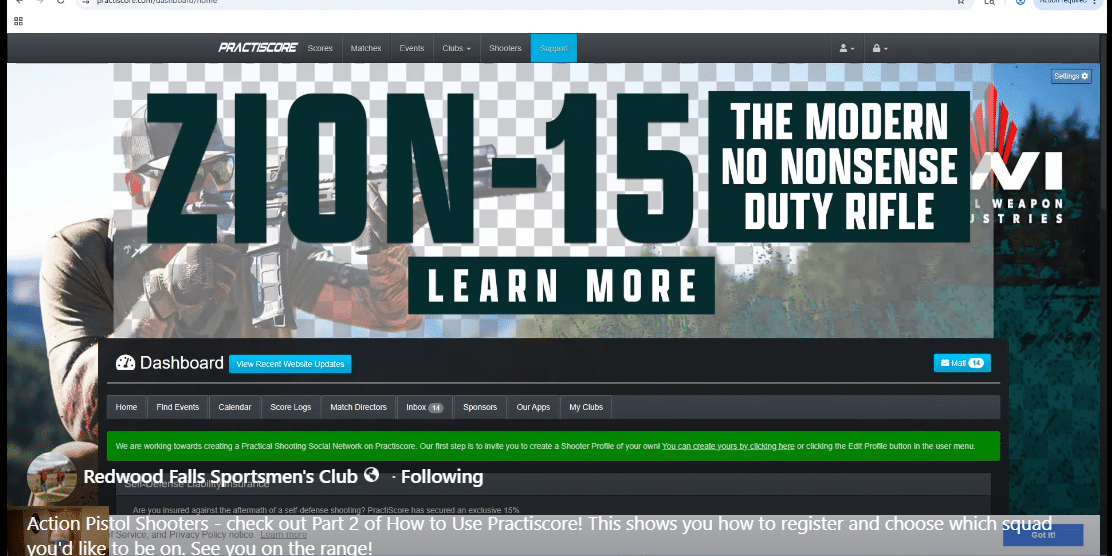
Now that your PractiScore account is set up, you’re ready for the next step: finding a match and getting registered.
PractiScore is the system many clubs use to manage shooting match registration, squads and scores. Once you know where to click, the process is pretty simple. In this second video, we walk through how to search for a match, register yourself and choose a squad so you’re ready when match day arrives.
Step 1: Go to PractiScore.com
Start by visiting PractiScore.com and logging into your account. If you followed Part One of this blog series, you should already have an account created and ready to use.
Once you’re logged in, you’ll be able to search for matches, register for events and manage your match information from your PractiScore account.
Step 2: Search for the Match
After logging in, use the PractiScore search option to find the match you want to attend. You can usually search by club name, match name, location or type of event.
This is where it helps to know the name of the club or the match you’re looking for. If your club has shared a direct PractiScore link, you can also use that link to go straight to the correct match page.
Before registering, take a minute to make sure you’re on the right match. Check the date, location and match details so you don’t accidentally sign up for the wrong event.
Step 3: Review the Match Information
Once you’ve found the match, read through the information on the match page. This may include the start time, check-in details, round count, division information, match fee, safety requirements or other notes from the match director.
Even if you’ve shot at the club before, it’s still worth reviewing the details. Match times, requirements and procedures can change from one event to the next.
Step 4: Register for the Match
When you’re ready, click the registration option. PractiScore will walk you through the information needed to sign up.
You may be asked to choose things like your division, category, power factor or other match-specific details. Don’t let that overwhelm you. Fill out what you know, and if you’re brand new, ask a match director or experienced shooter for help before match day.
The most important thing is to get yourself registered so the club knows you’re planning to attend.
Step 5: Squad Yourself
After registration, you’ll usually have the option to squad yourself. Squadding simply means choosing the group of shooters you’ll be with during the match.
You may see several squads listed with open spots. Pick a squad that has availability. If you’re attending with friends, family or other club members, this is where you can try to select the same squad.
If you’re new and don’t know anyone yet, that’s okay. Choose an open squad and let the match staff know when you arrive that you’re new. Most shooters are happy to help walk you through the process.
Step 6: Confirm Your Registration
Before closing out of PractiScore, double-check that your registration is complete and that you selected a squad. You may also receive an email confirmation, depending on the match settings.
It’s a good idea to save the match information or bookmark the page so you can find it again later. That way, you can review start times, squad assignments or any updates before match day.